
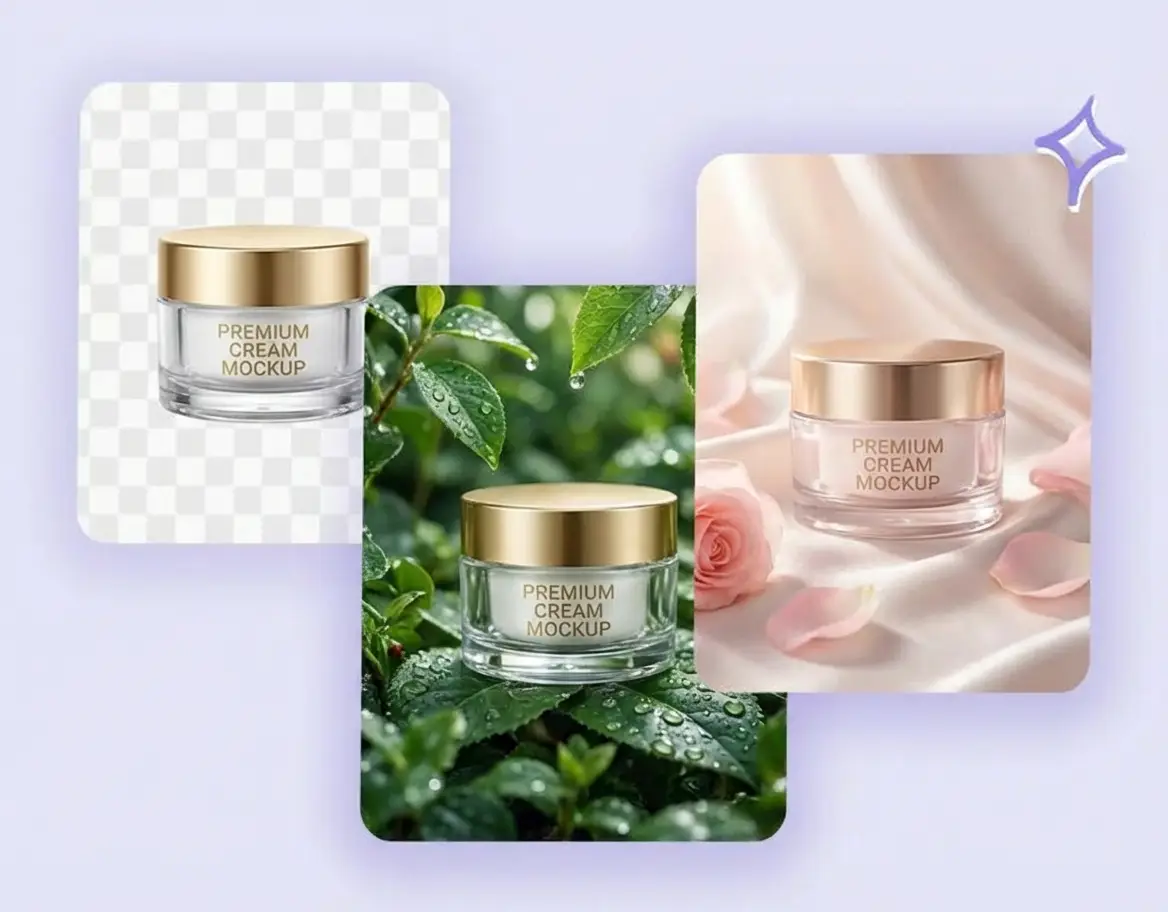
Product Variations and Background Swaps
Place the same product in new scenes without another photo shoot. Create multiple backgrounds and campaign variations while preserving key product details.
Upload a photo or reference image, describe what to change, and generate a new version in seconds. Restyle images, swap backgrounds, combine references, or create consistent variations while preserving the details that matter.
Please upload at least one image
Select a mode, upload an image, or enter a description on the left, and let AI create amazing visual works for you
Control what changes and what stays consistent across every image-to-image generation.
Upload up to 10 references to combine subjects, products, compositions, colors, or styles in one new image.
Turn a photo into a new visual style, match a brand look, or explore art variations while keeping the original subject recognizable.
No learning curve. Upload images, describe what you want, click generate. That's it.
Use your prompt to specify what the AI should change and what it should preserve, including a person, product, pose, or layout.
Seconds per image. Try multiple variations quickly until you find the perfect one.
Sharp details and natural textures. Output up to 4K resolution for professional use.
Create product variations, restyle portraits, replace backgrounds, and restore photos from a reference image.
Place the same product in new scenes without another photo shoot. Create multiple backgrounds and campaign variations while preserving key product details.
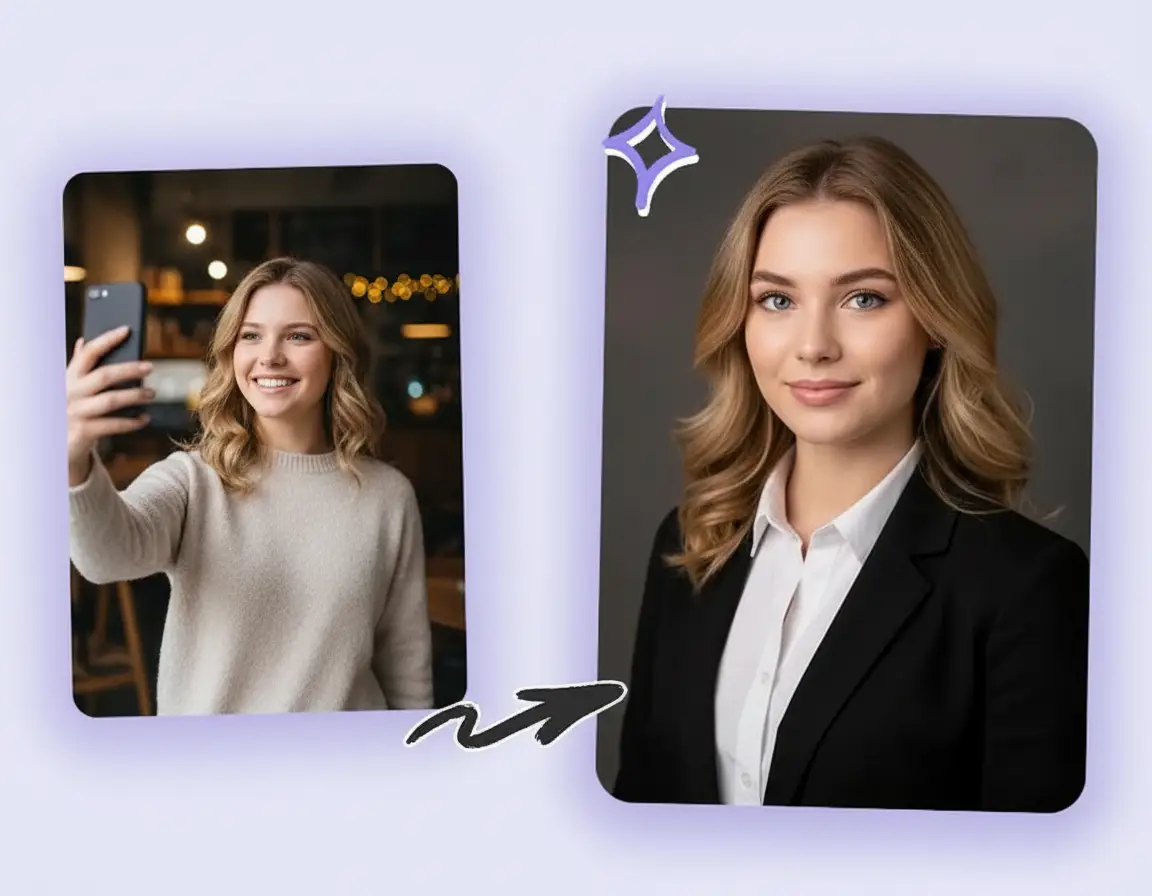
Turn casual photos into polished headshots. Clean up lighting, smooth backgrounds, adjust colors. Ready for LinkedIn profiles, team pages, and ID photos without booking a studio.
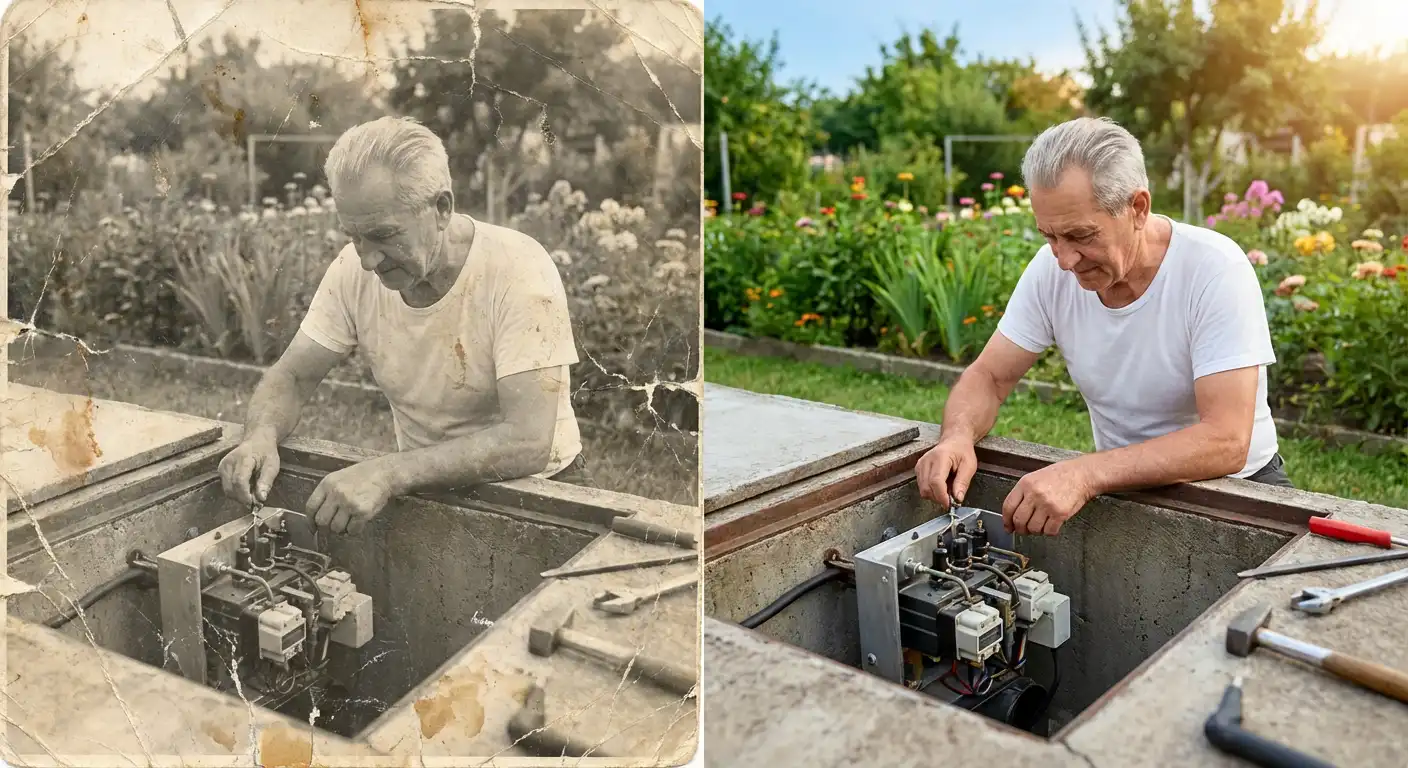
Repair scratches, remove stains, and fix faded colors in old photographs. Bring family memories back to life, or add color to black-and-white shots from decades past.
Upload a reference, explain the edit, generate a variation, and refine the result in four steps.
Upload 1-10 images and decide which subjects, products, styles, compositions, or colors you want to preserve.
Write what to change and what to keep, such as “preserve the product, replace the background with a bright studio.”
Generate and preview a transformed image in seconds. Refine the prompt to explore more controlled variations.
Save the result, upscale it, or use it as a new reference for another round of image-to-image editing.
Common questions about using image to image AI generation.
An image to image AI generator is a tool that creates new images based on your reference pictures. Upload your photos, describe the changes you want, and get fresh variations within seconds while keeping the core elements intact. Whether you need color adjustments, style changes, or product variations, this feature handles it all.
We accept JPEG, PNG, and WebP formats, with a 10MB maximum per file. For optimal image to image results, use clear, well-lit photos with good resolution—higher quality input typically produces better output.
Yes, up to 10 reference images per generation. This works great for character design consistency, combining elements from different product shots, or referencing multiple style directions. The multi-image capability makes image to image much more flexible for creative projects.
Yes, images created through image to image can be used commercially—product design, marketing materials, client projects, or resale. Review our terms of service for complete usage guidelines and restrictions.
Nano Banana model costs 4 credits per image. Nano Banana Pro pricing varies by resolution: 1K costs 12 credits, 2K costs 15 credits, and 4K costs 25 credits. Nano Banana 2 pricing varies by resolution: 1K costs 8 credits, 2K costs 12 credits, and 4K costs 18 credits. New users receive 20 free credits to test different image to image scenarios.
No. Your reference images and prompts are used only for generation, then discarded. Nothing is shared publicly or used for model training. Check our privacy policy for detailed information on data security practices.
Three key tips: First, use sharp reference images with clear subjects. Second, write specific descriptions—state exactly what to change and what to preserve (e.g., 'keep the person's pose, change background to beach'). Third, for complex transformations, work step-by-step rather than changing everything at once.
Create an account and get 20 credits instantly—no payment method required. These credits let you experiment with different models, resolutions, and image to image techniques before deciding whether to purchase more.
Text to image creates pictures from scratch using only written descriptions. Image to image transforms existing photos while preserving their core features. For example, if you have a product photo and want to change the background or style, image to image gives you more control and faster results than starting from a text prompt.
Upload a reference image and transform it with a simple text prompt. Start with 20 free credits.